The Style window
Where you pick, edit and save every caption style in Brevidy 2.0, and where the 1.9 style settings moved.
All caption styling happens in the Style window.
Open the Style window#
- Open a sequence that has Brevidy captions.
- In the Brevidy panel, click
Style.
Style is grayed out until the sequence has a caption set, and while a job is running. Changes show in Premiere a moment later, with no Apply button. Press Esc to close.
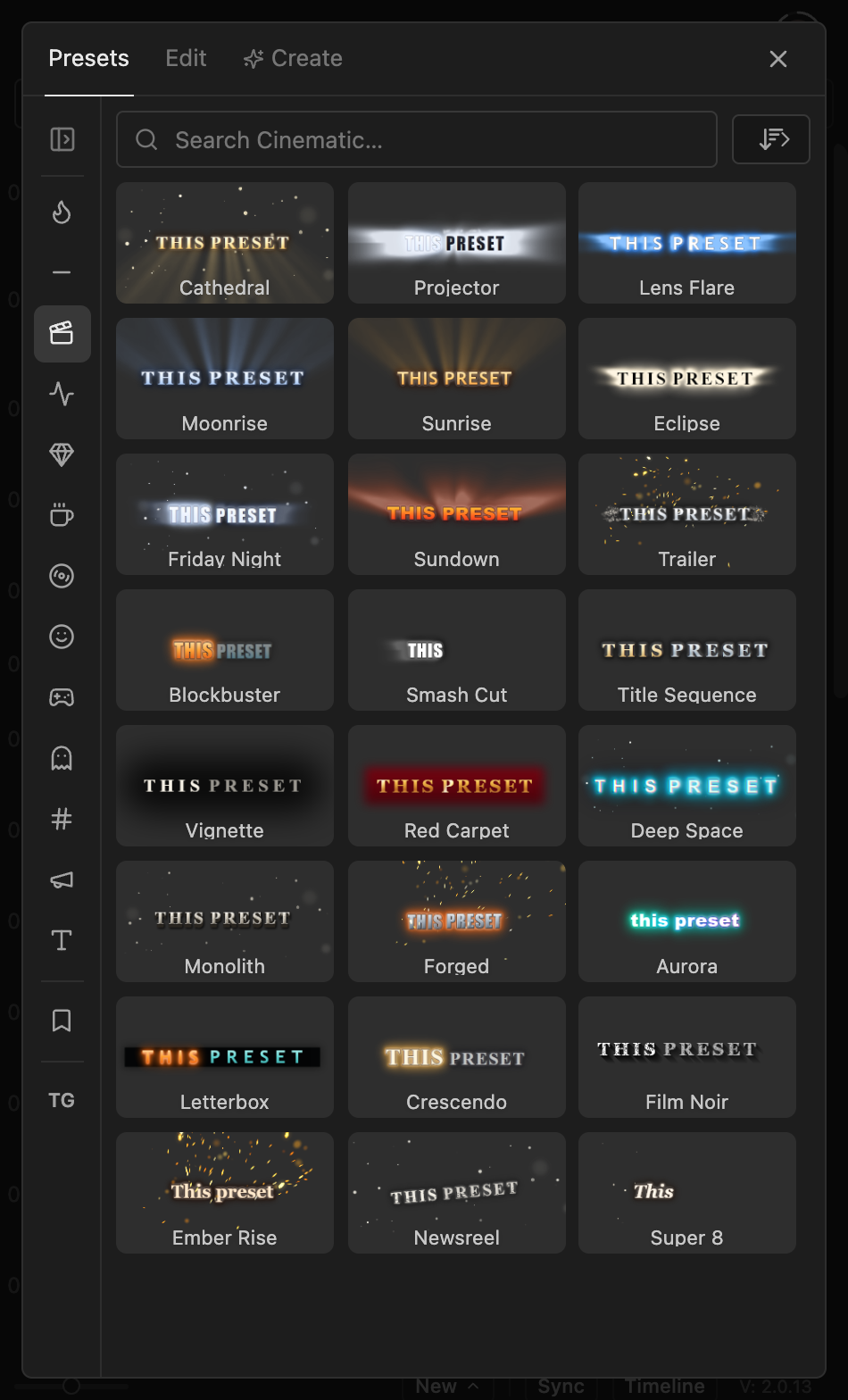
The three tabs#
| Tab | What it's for |
|---|---|
Presets | Apply a preset. See Presets. |
Edit | Change any setting of the current style, and Save as preset. |
Create | Preset Studio designs a look from a description. Paid plans only. See Preset Studio. |
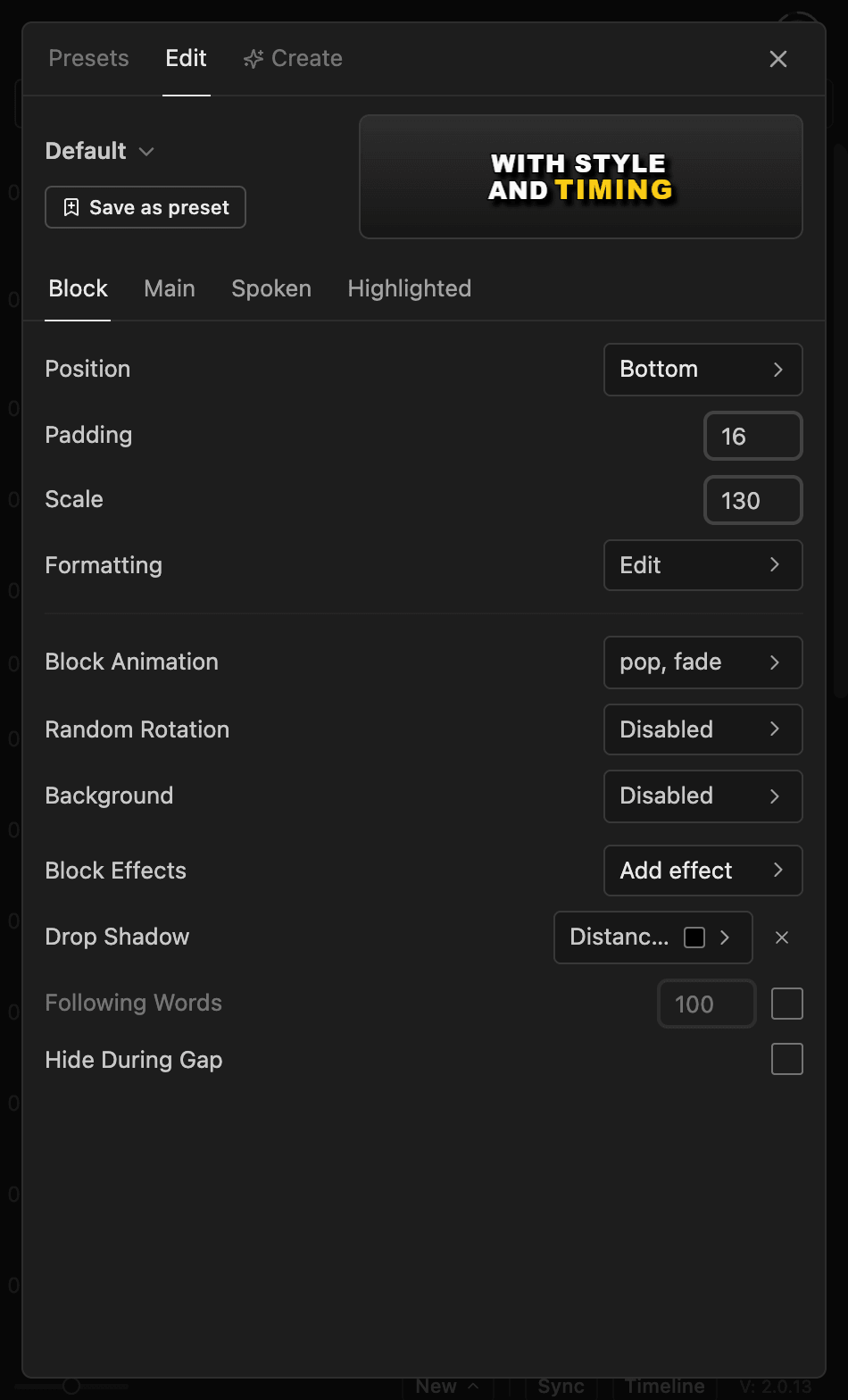
On Edit, the style switcher at the top (for example Default) picks which style you're editing. See Several styles in one caption set. Four tabs hold the settings:
| Tab | What it styles |
|---|---|
Block | Position, size, line spacing, animation, background. See Block settings. |
Main | All caption text: font, punctuation, case, color. See Main text. |
Spoken | The word being said. See Spoken and highlighted words. |
Highlighted | Words you marked with the Highlight tool. Same page as Spoken. |
Where the 1.9 settings went#
| In 1.9 | In 2.0 |
|---|---|
Preset dropdown and New | The Presets tab, and Save as preset on Edit |
| Active Text, Highlight Text | Edit > Spoken, Edit > Highlighted |
| Paragraph Align and Leading (Main Text) | Edit > Block > Formatting |
| Misc > Following | Edit > Block > Following Words |
| Misc > Drop Shadow | Edit > Block > Block Effects > Drop Shadow |
Case Normal | Original case |
| Lines and characters per caption | The Text tool. See Line breaks |
Good to know#
- Premiere's Effect Controls shows no caption settings for the Brevidy Captions effect. That's expected: style in the Brevidy panel.
- You can't drag captions in the Program Monitor. Use
Position,PaddingandScaleon the Block tab. - Don't delete or reorder the effect. Without it, the caption layer shows nothing.
- Each caption set has its own styles, so a translation is styled separately. Captions made with Brevidy 1.9 show fewer controls. See Upgrading from 1.9.