Welcome to Brevidy
What Brevidy does in Premiere Pro, the panels it adds, and which pages to read first.
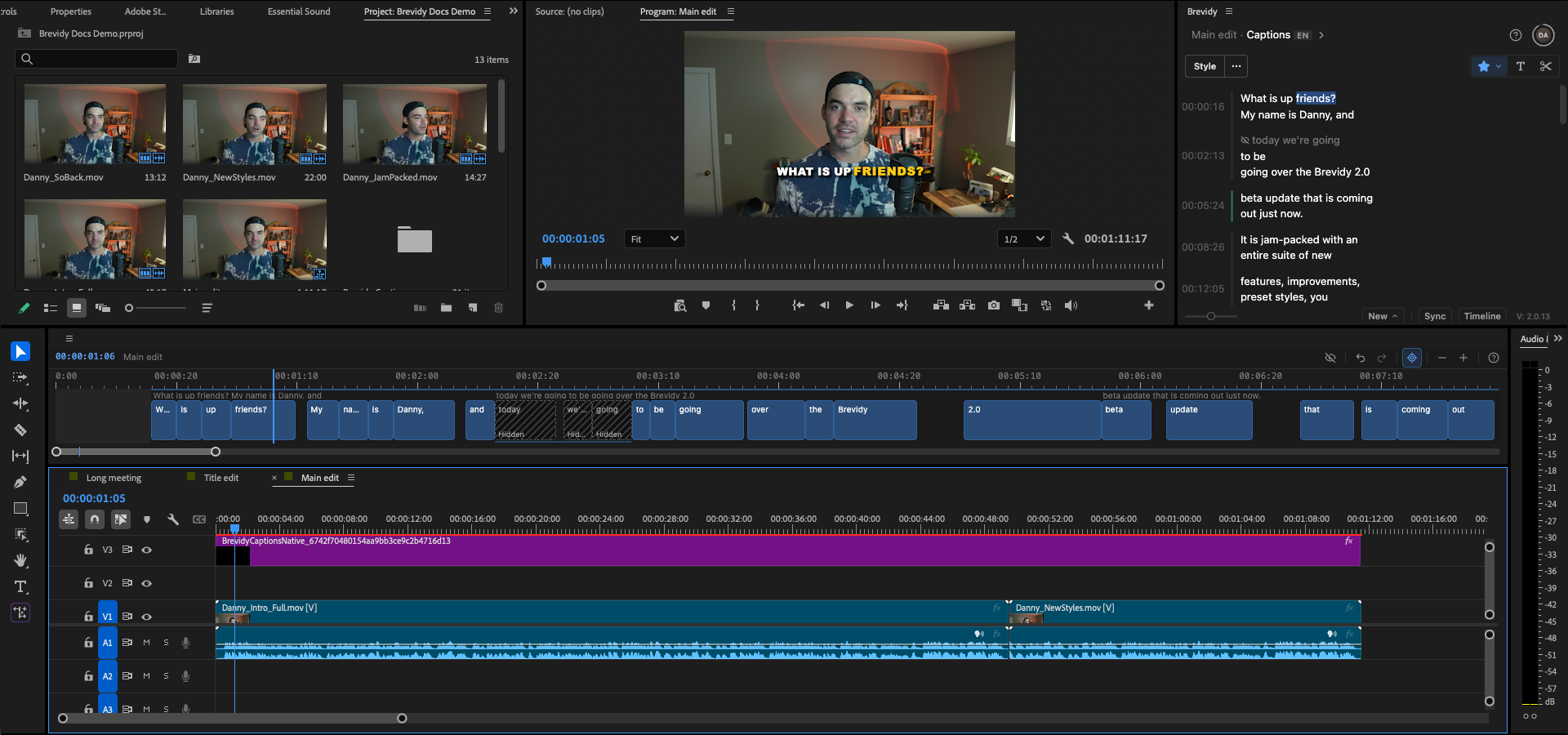
Brevidy is a panel for Adobe Premiere Pro. It transcribes your sequence and puts styled, editable captions on your timeline. It also makes titles from your words, cuts long recordings with AutoCut, reframes sequences with AutoCrop, and brings in stock media.
The panels#
Open them from Window > Extensions.
| Panel | What it's for |
|---|---|
Brevidy | The main Brevidy panel: captions, styles, titles, AutoCut and the editing tools. |
Brevidy Media Browser | Stock video, images, GIFs and emojis for your sequence. |
Brevidy AutoCrop | Reframe a sequence for another aspect ratio, for example vertical. |
The Caption Timeline opens from the Timeline button at the bottom of the main Brevidy panel.
Read these first#
Coming from Brevidy 1.9? Read Upgrading from 1.9.
Get help#
- Click the
?button at the top of the Brevidy panel for docs, tutorials and support. - Something went wrong? Start at Troubleshooting, or contact support.
- Install BrevidyInstall the Brevidy panel and the Brevidy Captions effect in Premiere Pro, sign in, and keep Brevidy up to date.
- Settings and helpFind Brevidy's account menu, panel settings and help options.
- What's new in 2.0The biggest changes in Brevidy 2.0, one line each, with links to the pages that explain them.
- Upgrading from 1.9How to move from Brevidy 1.9 to 2.0, what happens to captions you made in 1.9, and where familiar features went.
- Beta programJoin the Brevidy beta on a personal plan to get new versions before everyone else.