Introducing Brevidy Team PlansInstead of sending presets through Slack or managing separate captioning accounts for every editor, teams can now work from one centralized setup.#Brevidy#Animated Captions#Brevidy Captions#Adobe Premiere Captions
Brevidy Just Made AI Captioning Free for New UsersBrevidy is now free to try, giving every new user 10 free captioning credits immediately after signup. #Brevidy#Adobe Premiere#Animated Captions#Content Editing
Adobe wants Gemini to help creators actually createAt Google I/O 2026, Adobe announced that its “Adobe for creativity connector” is coming to Google Gemini, and the idea is surprisingly practical.#Adobe#Gemini#Content Creator#Photoshop
CornerCut Bridges Premiere and DaVinci ResolveWhat should be a straightforward handoff between Adobe Premiere and Davinci Resolve ends up being a nightmare, but Cornercut fixes that.#Cornercut#Davinci Resolve#Adobe Premiere
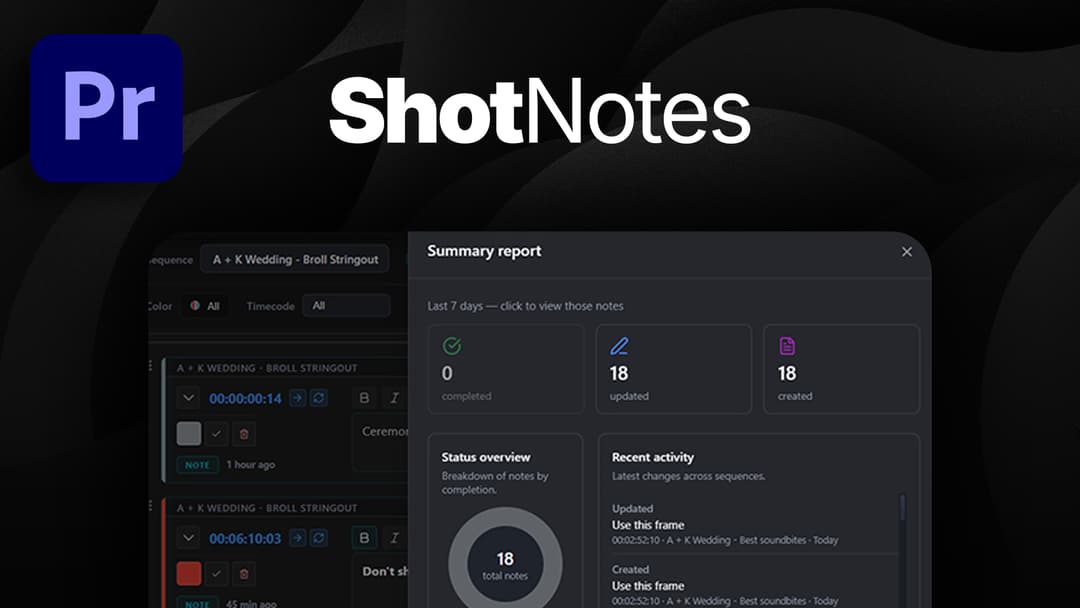
Track Tasks in Adobe Premiere With ShotNotesShotnotes brings note-taking and task tracking directly into Premiere Pro, so everything stays tied to the timeline instead of floating outside it. #Adobe Premiere#Video Editing#Shotnotes#AI Editing
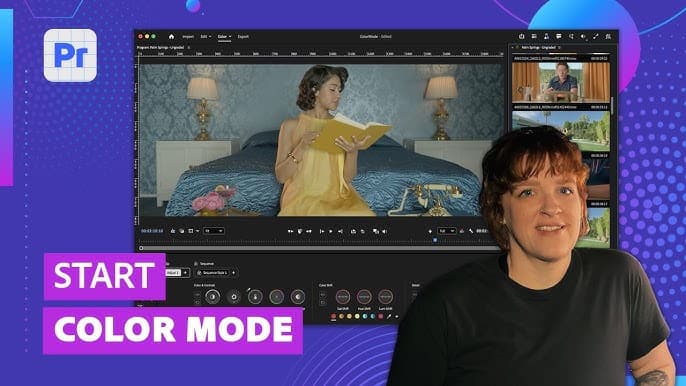
Adobe Premiere Is Reworking Color Grading Ahead of NAB 2026 With Color Mode BetaWith Premiere Color Mode beta, Adobe moves away from traditional panel-based controls and leans into a more direct interaction model.#Adobe Premiere#NAB#Color Grading#Video Editing
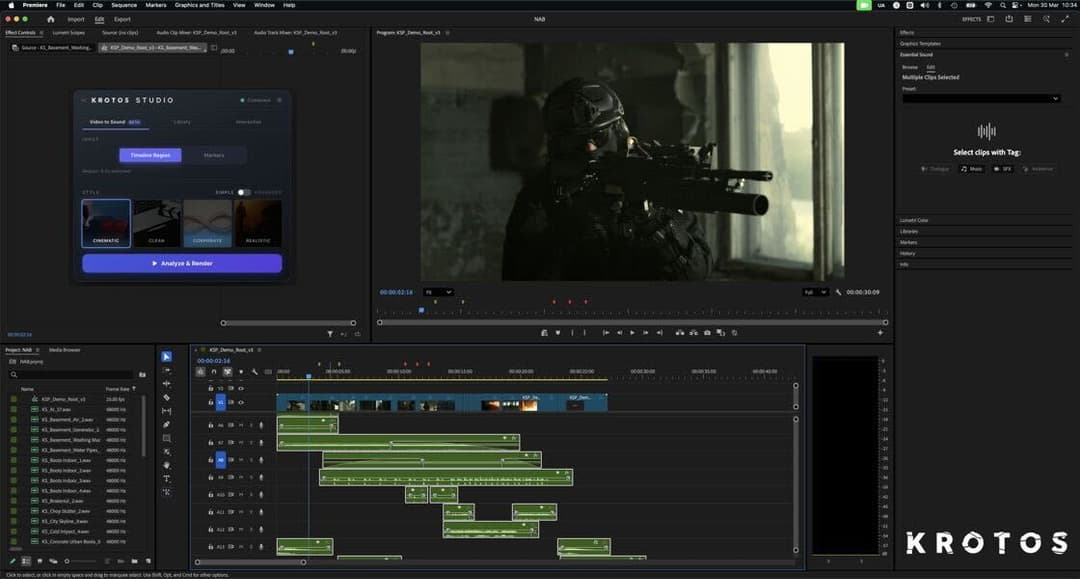
Krotos Brings AI Sound Integration to Adobe Premiere at NAB 2026 Instead of treating audio as a separate step, this new Video-to-Sound integration brings sound creation straight into the editing timeline.#Krotos#AI#NAB 2026#Adobe Premiere
Remix YouTube Shorts with the Reimagine AI ToolYouTube has officially rolled out the Reimagine AI remix tool for Shorts, allowing creators to instantly turn a single clip into multiple unique variations.#YouTube#Shorts#AI#Content Creation#YouTube Creator
Editing Video Podcast with Adobe Podcast’s New Multi‑Guest FeaturesAdobe Podcast was originally used mainly for AI audio cleanup, particularly its Enhance Speech feature. The newest update introduces the ability to record video conversations remotely, with participants joining via a simple link.#Adobe Podcast#Video Podcast#Podcaster#Podcast Editing