Blackmagic Design has officially released DaVinci Resolve 21, bringing a range of new AI-powered tools, workflow enhancements, and a dedicated photo editing environment to its all-in-one creative platform. After months of public beta testing, the update introduces features designed to help editors, colorists, photographers, and content creators work more efficiently without leaving the Resolve ecosystem.
The release marks another step in the evolution of post-production software, as creative platforms continue to combine editing, color grading, visual effects, audio production, and now photo editing into a single workflow.
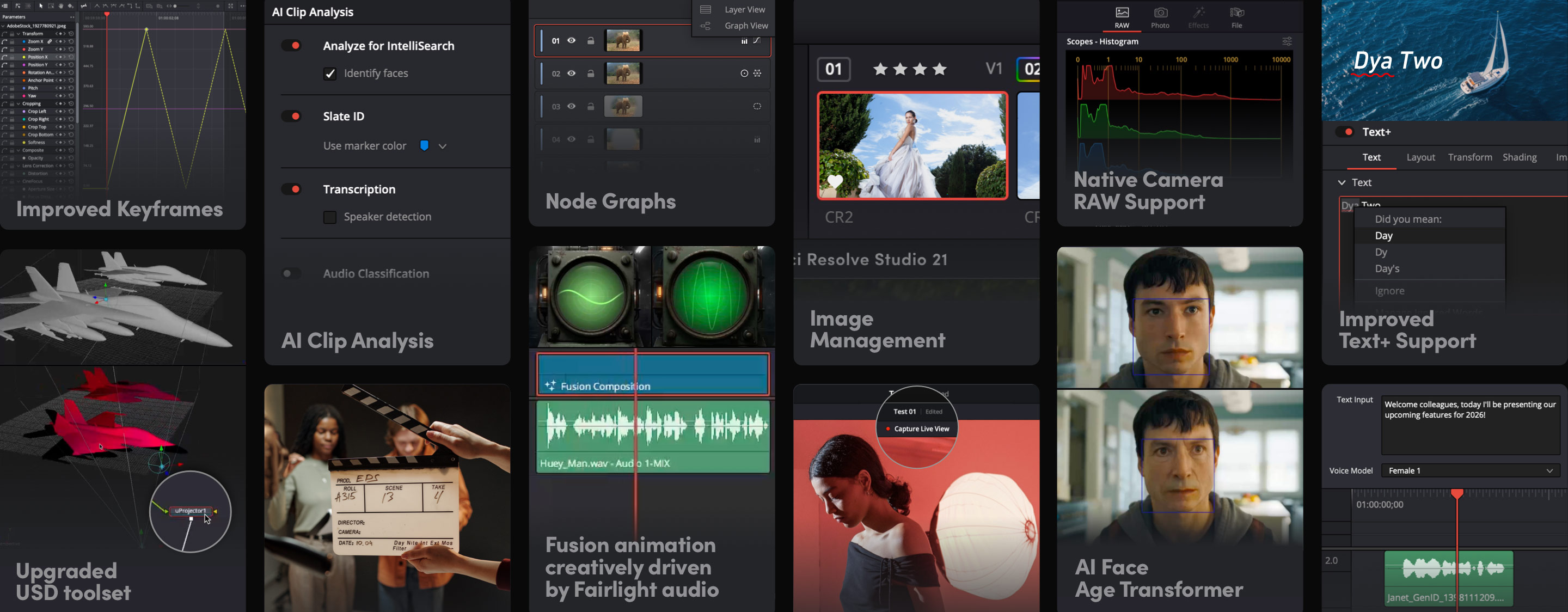
How DaVinci Resolve 21 Expands Beyond Video Editing With a New Photo Page
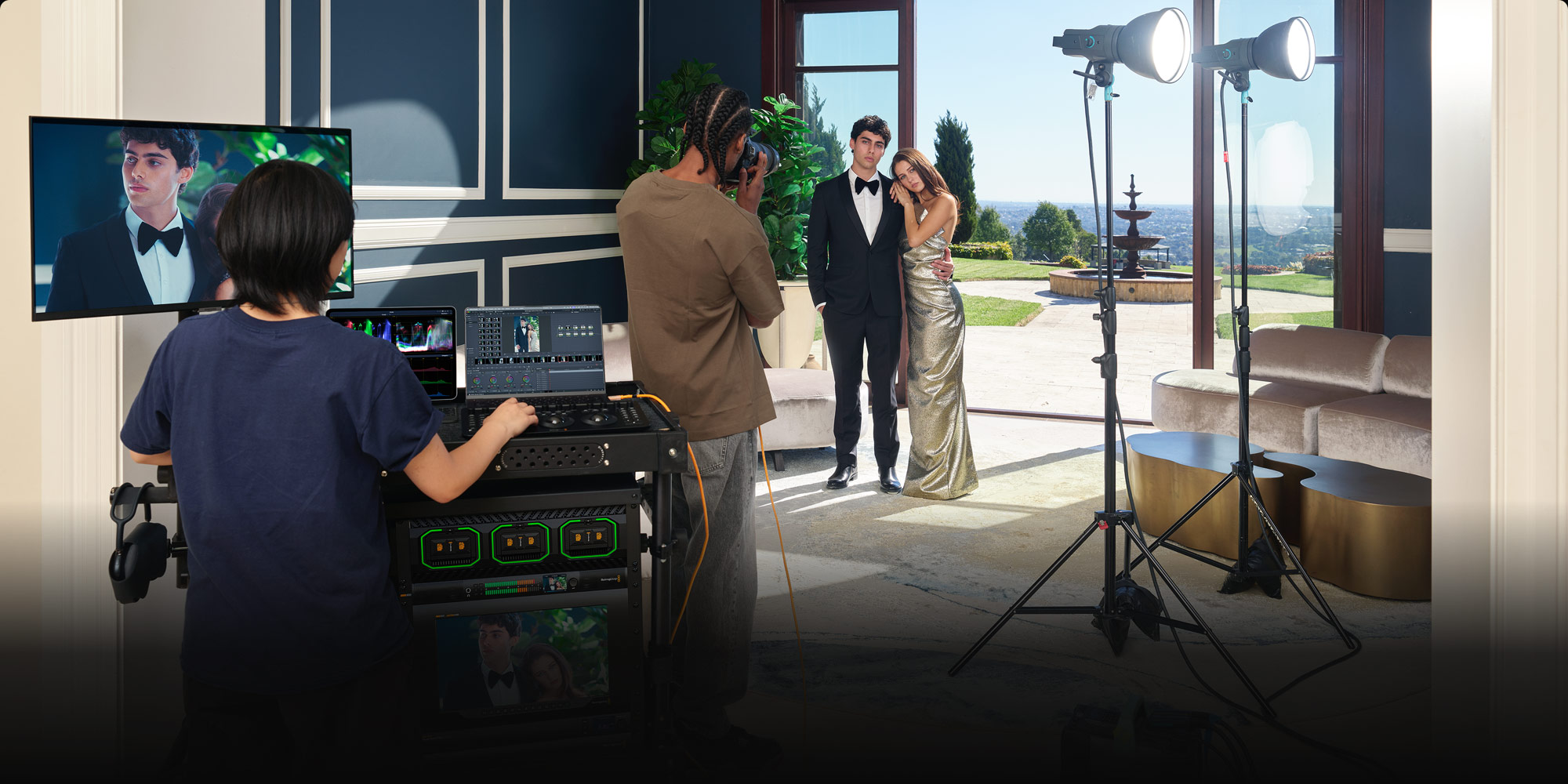
One of the biggest additions in DaVinci Resolve 21 is the new Photo Page, which brings Blackmagic Design’s professional color grading tools to still photography. The feature allows users to import, organize, edit, and export images directly within Resolve while leveraging the same advanced color workflows used in film and television production. Photographers can manage albums, collections, ratings, and tags, while also working with RAW image formats from major camera manufacturers.
The introduction of the Photo Page is particularly significant for creators who regularly switch between photo and video projects. Rather than moving between multiple applications, users can now manage both workflows within a single platform.
New AI-Powered Tools in DaVinci Resolve 21 Aim to Speed Up Post-Production
Artificial intelligence continues to play a larger role in creative workflows, and DaVinci Resolve 21 introduces several AI-powered tools designed to reduce repetitive editing tasks. Among the most notable additions is IntelliSearch, which helps users locate clips, objects, people, and dialogue more quickly within complex projects. Another new feature, CineFocus, allows editors to adjust focus effects after footage has been captured, offering greater flexibility during post-production.
The update also includes AI-powered tools for portrait enhancement, facial refinement, image sharpening, motion deblurring, and blemish removal. Rather than replacing creative decision-making, these features aim to automate technical processes that often consume valuable editing time.
What Editors, Motion Designers, and Creators Get in DaVinci Resolve 21
Beyond AI, DaVinci Resolve 21 delivers substantial workflow improvements across editing and motion graphics. Editors now have access to expanded animation controls, improved keyframing options, advanced easing tools, and enhanced multicam editing capabilities. Text-based workflows have also been improved with live font previews, better subtitle management, support for color fonts, and native Lottie animation integration.
Fusion users benefit from the addition of the Krokodove toolset, which introduces more than 100 new motion graphics and visual effects tools. The update also includes a new Macro Editor, making it easier to create reusable animations and visual effects for future projects. I These additions strengthen Resolve’s appeal for creators who need editing, motion design, and visual effects tools in a unified environment.
Why DaVinci Resolve 21 Could Be a Stronger Alternative to Creative Suites
The release of DaVinci Resolve 21 highlights a growing trend in creative software: consolidation. Instead of relying on separate applications for video editing, photo editing, color grading, motion graphics, and audio production, creators are increasingly looking for platforms that can handle multiple stages of production within a single workflow.
With the addition of the Photo Page, expanded AI capabilities, and deeper workflow integrations, DaVinci Resolve 21 continues to move toward a unified creative workflow, allowing creators to manage both photo and video projects within a single platform. For freelancers, content creators, and production teams seeking to streamline their workflows, the update offers a compelling reason to keep more of the creative process under one roof.

As editing tools like DaVinci Resolve 21 move toward faster, AI-assisted workflows, your setup should keep up. Brevidy helps turn long-form edits into engaging, social-ready videos with AI-powered captions, auto-clipping tools, and built-in creative elements, all without leaving your timeline.
Download and start using Brevidy for free today and experience a faster way to create social content inside Premiere Pro with Brevidy.