Brevidy Titles New in 2.0

Animated titles
for Premiere.

Type a line, get a title built around your words. Brevidy picks the hero word, lays it out for your frame and animates it in, right on your Premiere timeline. No more fitting your line into someone else's template.

From $14.99/mo billed yearly, or $17.99 monthly. Works with Adobe Premiere 2024 and later, on Windows and Mac.

No credit card required. First caption free.

Brevidy runs in Premiere on a computer. Sign up here and email yourself the download link.

Adobe Video Partner36,000+ editors have signed up

How it works

  1. 1

    Type a line

    Click Titles in the Brevidy panel and type what you want to say. Or select words in your transcript and pop them out.

  2. 2

    Click a preset

    Choose a look and every card shows your own words in that preset. Click one and the title lands on your timeline at the playhead.

  3. 3

    Make it yours

    Restyle, move or swap any word on the stage, then save the result as a preset you can use on every video.

256 presets

Every preset is built around your words.

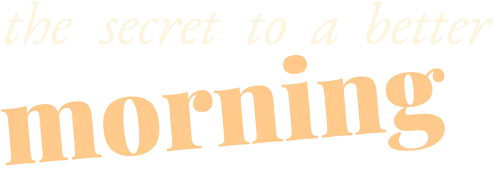
Brevidy reads your line and knows which words matter, so every preset picks its own hero for what you wrote, keeping names, dates and numbers together. Browse six groups and each card shows your line in that look before you add it.

  • 256 presets across six groups, all rendering your own words
  • Hover a card to play it, click it to put the title on your timeline
  • Retype the line and Brevidy restyles the new words
  • Impact
  • Editorial
  • Cinematic
  • Packed
  • Clean
  • Pop

Any frame

Laid out for the frame you're cutting.

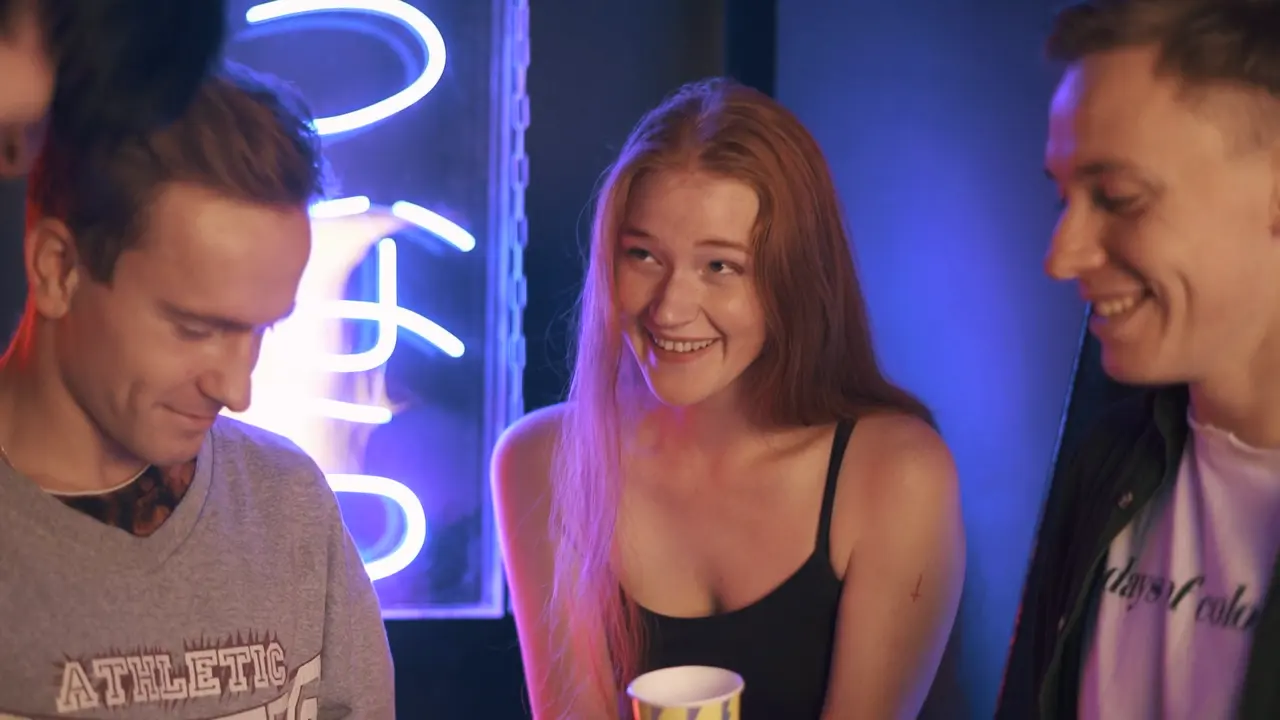
Brevidy sizes the lockup for your sequence when you pick a preset: taller stacks on 9:16, more room to breathe on 16:9. Line breaks are worked out for the shape, always inside title-safe.

Stage

Make it yours, right on the stage.

Pick a different hero word, drag the side handle and watch the words reflow into new lines, then restyle, move or turn anything. Change the text and Restyle picks new hero and accent words. Reset to the preset whenever you want the original back.

  • Switch any word between Hero, Accent and Normal
  • Drag to rewrap, size or rotate the whole title
  • Font, color, stroke, tracking and effects for any word

Create

Describe the look, or drop a screenshot.

Going for a style that isn't in the presets? Open the Create tab and describe it, like "warm summer nights, cursive font, large hero, very animated", or drop in a screenshot of a title from another pack or a creator you like. Brevidy drafts looks for your words. Click Use and it lands in your sequence.

Pop out
Words land as they're said.

Select words in the transcript and choose Pop out as title. Every preset is styled for those words and timed to the transcript, with In and Out animations like Spark Pop and a per-word fade as each word is said. The words drop out of your captions so nothing shows twice.


Your presets

Save your house style once.

Press Save and Brevidy turns your title into a preset that lays out any new line the same way, with a preview on other words before you keep it. Save it into your own group, or a team group so everyone's titles match.

One line, a different title every time.

Replaces title packs

Title packs were built for someone else's words.

A pack is a fixed layout: so many lines, so many letters, the big word in one spot, one frame shape. Type anything else and you're resizing boxes by hand. Every Brevidy preset is a set of rules instead, so it lays out whatever you type.

FeatureTitle packsBrevidy Titles
Built forThe placeholder text it shipped withThe line you type
Long or short linesOverflow the box or shrink to fitRe-wrapped and re-sized for the line
The big wordWhatever sits in the big slotThe word that matters, picked per preset
Vertical and widescreenA separate version, if there is oneLaid out for your sequence's frame
Changing a word laterRe-fit the layout by handEdit the text and Brevidy restyles the new words
Your own lookEdit the template filePress Save, it works on any line

What editors say

“Ten minutes into using Brevidy I had basically completed what I wanted to do, and loved every minute of it.”
Derek ChoicerhythmlakeMEDIA
“It's worth noting the accuracy of this plugin's transcription abilities; which I found to be significantly more accurate than Adobe's.”
Zachary RockmanDivine Mercy
“Captions are an almost guaranteed part of any video I work with and Brevidy offers me an accurate, easy to use plugin.”
CJ BairdSchool of Motion

Pricing

Caption a video of your own for free first, no card needed. When you're ready, every plan starts with a 7-day free trial.

Working as a team? See team plans

Questions

Can Brevidy Titles replace my title packs and MOGRTs?

For most social and YouTube titles, yes. A title pack is a fixed layout made for its placeholder text, so long lines overflow, short ones look empty and the big word sits wherever the designer put it. Brevidy presets are layout rules: they size, stack and color whatever you type, for the frame you're cutting, and every word stays editable.

Which plans include Titles?

Every plan with captions: Captioner, Producer and the team plans, plus the 7-day trial. You can save up to 3 title presets of your own on Captioner and unlimited on Producer and team plans.

How does Brevidy pick the hero word?

Brevidy reads your line and, for each preset, picks which words get the Hero and Accent styles, keeping names, dates and numbers together. Select any word on the stage and switch its style if you'd rather emphasise something else.

Can I time a title to what's being said?

Yes. Select words in the transcript and choose Pop out as title. The title follows the spoken timing word by word, and those words are hidden from your captions so they don't show twice.

Do titles work in vertical and widescreen sequences?

Yes. When you pick a preset, Brevidy lays the title out for your sequence's frame, taller on 9:16 and with more room on 16:9, always inside title-safe.

Can I save my own title styles?

Yes. Press Save and Brevidy turns your title into a preset that lays out any new line the same way. Save it for yourself or to a team group so everyone uses the same look.

Which fonts can I use?

Any font installed on your computer, plus 63 font families bundled with Brevidy that every curated preset is built from.

Do I need Brevidy 2.0?

Yes. Titles are new in Brevidy 2.0 and use the same native Premiere effect as 2.0 captions. Update from the panel or download the latest installer from your dashboard.

Your next title is
one line away.

From $14.99/mo billed yearly, or $17.99 monthly.

No credit card required. First caption free.

Titles that lay themselves outFrom $14.99/mo billed yearly, or $17.99 monthly

Try Brevidy free