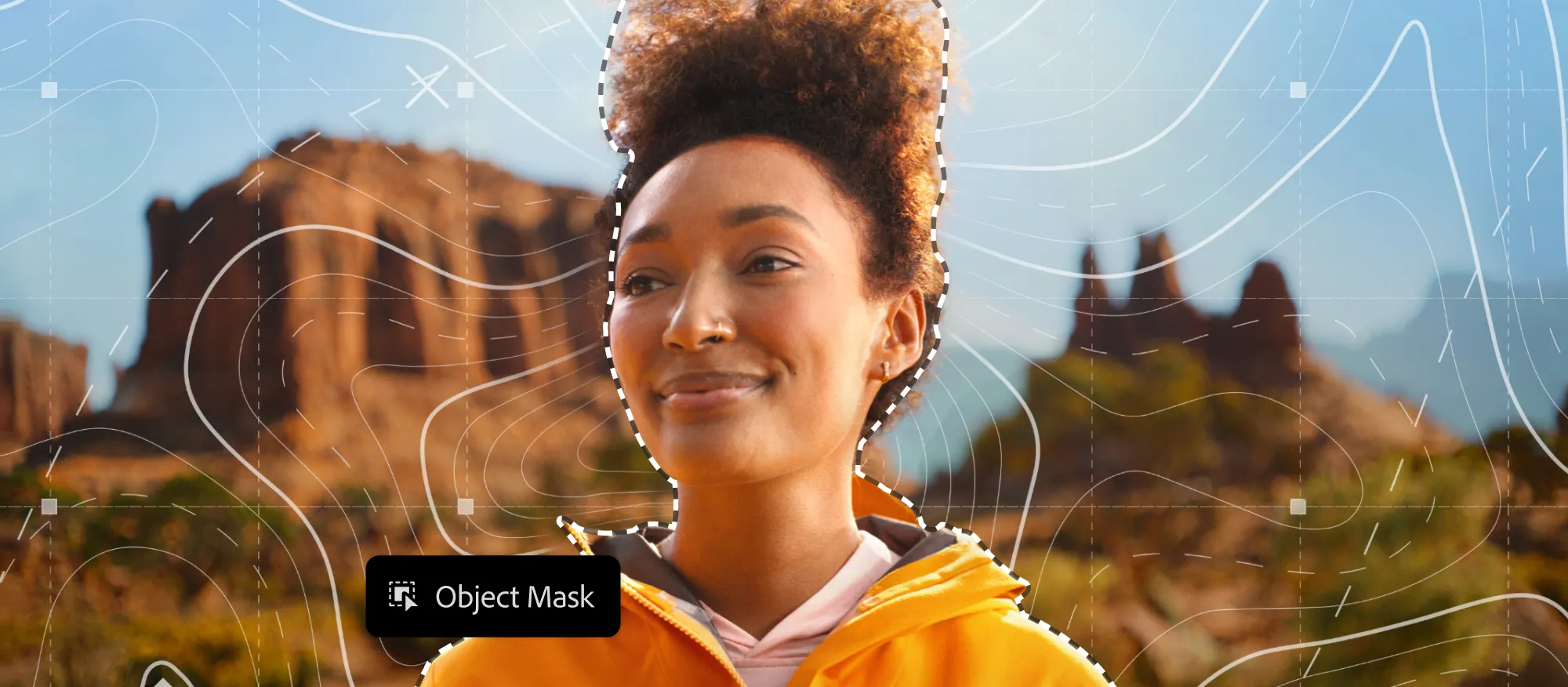
Video content keeps growing longer, but audiences are watching in shorter clips. Adobe’s 2026 update to Premiere Pro is designed to meet that challenge, helping creators edit efficiently, collaborate seamlessly, and turn long-form footage into polished, social-ready content.
This release isn’t just a feature drop, it’s a workflow upgrade. From AI-powered masking to integrated feedback with Frame.io V4 inside Premiere Pro, and Firefly Boards for moving ideas straight into timelines, Premiere Pro now supports creators in every step of the editing and repurposing journey. Editors can cut content for YouTube Shorts, TikTok, and Instagram Reels without losing hours to repetitive tasks.
For podcasters, social video creators, and editors focused on multi-platform repurposing, these updates are more than convenient, they’re essential.
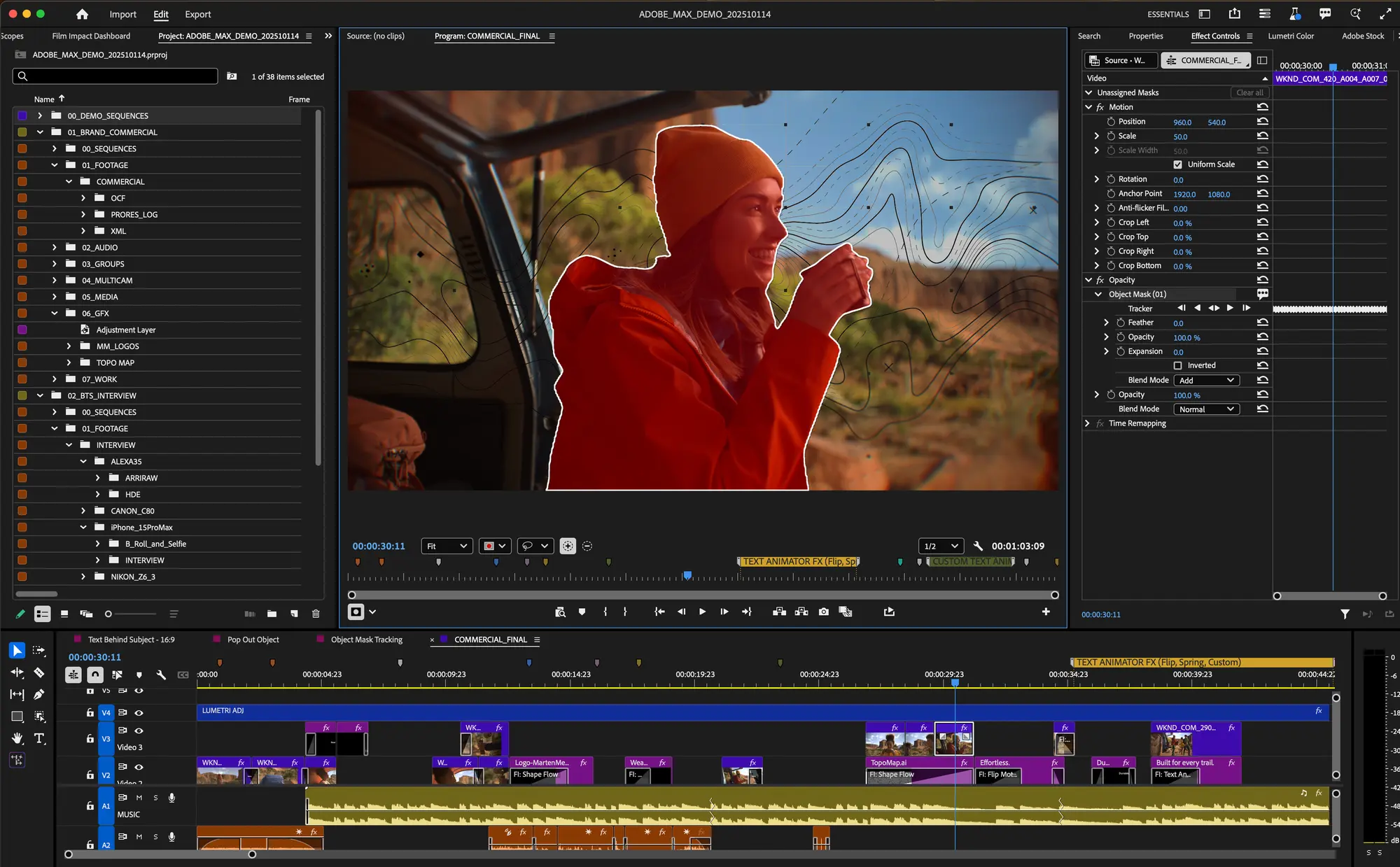 Image from Adobe Blog
AI Masking and Smarter Shape Tracking
Masking has always been one of the most time-consuming parts of editing. Adobe Premiere 2026 introduces AI-powered object and subject masking, allowing you to isolate a person or object across frames in seconds.
The update also redesigns shape masks; rectangles, ellipses, and pens with faster, more reliable tracking, so your edits stay smooth even with motion-heavy footage.
Imagine turning a 60-minute podcast recording into multiple social clips: AI masking alone can save hours by quickly separating speakers, overlaying graphics, or blurring backgrounds for emphasis.
Firefly Boards and In-App Stock
Adobe has integrated Firefly Boards directly into Premiere Pro, letting creators move ideas straight from inspiration into their timeline. No more bouncing between apps or manually recreating concepts.
In addition, stock footage and graphics are now accessible without leaving the editor, meaning you can enhance your clips quickly with b-roll, backgrounds, or motion elements. For creators repurposing long recordings into engaging short videos, these tools keep the workflow smooth and creative momentum high.
For more ideas on multi-platform clip repurposing, check out Brevidy’s guide: Top tools to turn long videos into multi-platform content
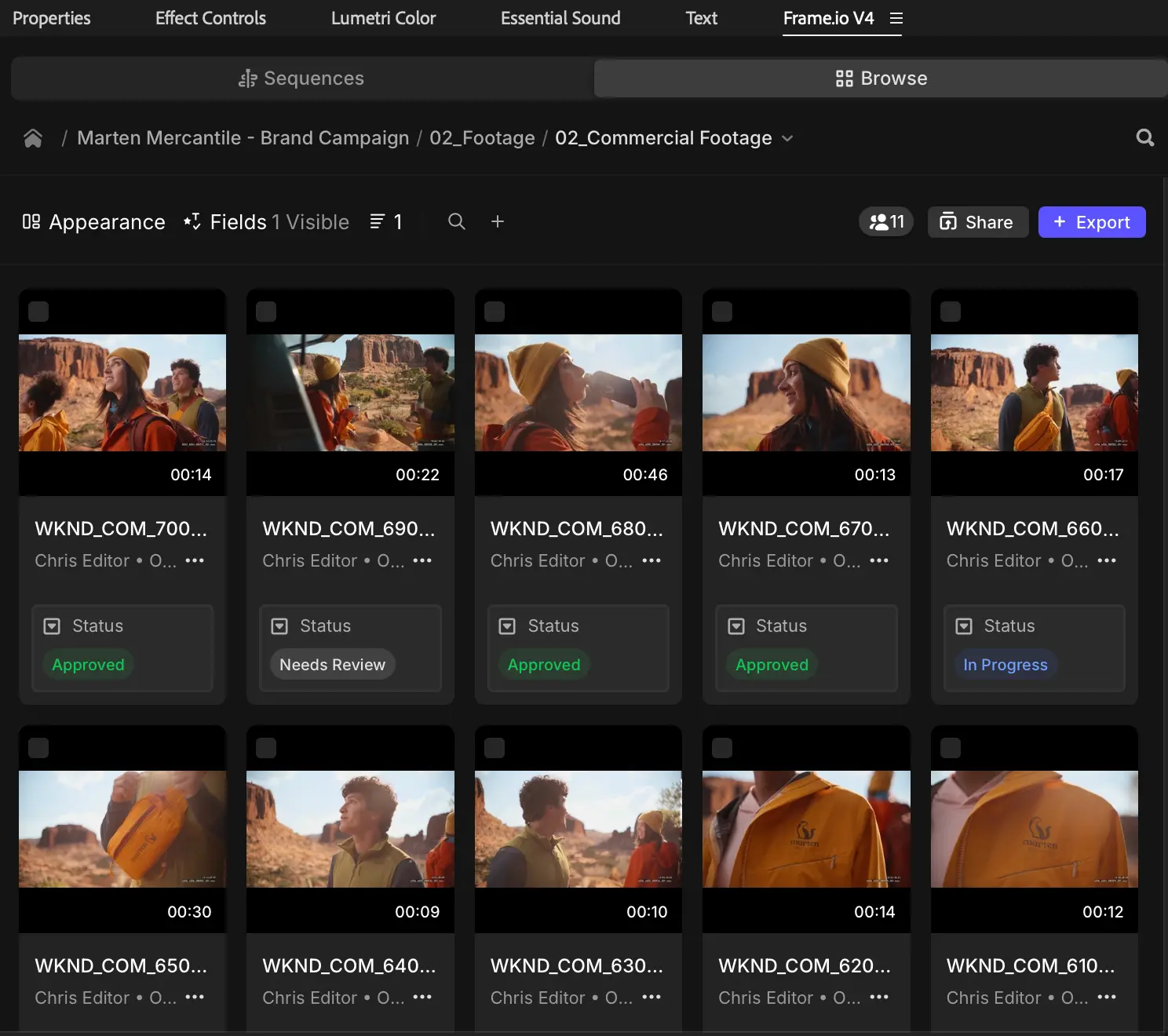 Image from Adobe Blog
Collaboration in Adobe Premiere
Feedback is often a bottleneck in content production. With Frame.io V4 embedded into Premiere Pro, comments, version updates, and approvals appear directly on the timeline. No exporting drafts, no juggling multiple apps, your edits and approvals happen in real time.
When combined with Brevidy, this makes repurposing clips faster and easier by:
- Highlighting key moments automatically
- Generate captions quickly
- Import and animate stock media and assets in one click
- Autocut long form videos into short viral worthy clips
Learn how to add captions seamlessly with Brevidy and Premiere Pro: Animated captions in Premiere using Brevidy
Why Editors should love Adobe Premiere 2026
Adobe Premiere 2026 is about removing friction from real-world workflows. AI masking, Firefly Boards, Frame.io collaboration, and in-app stock access give creators more time to focus on storytelling and repurposing content efficiently.
Paired with Brevidy, editors can scale multi-platform video production, turning one long-form episode into multiple engaging clips, with captions, highlights, and formatting handled in minutes rather than hours.