Editing Video Podcast with Adobe Podcast’s New Multi‑Guest Features
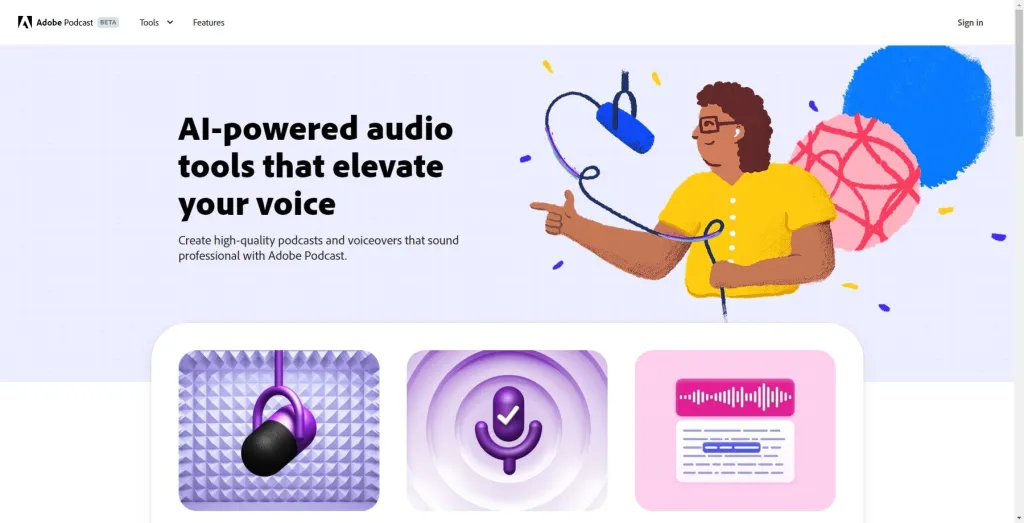
Adobe Podcast was originally used mainly for AI audio cleanup, particularly its Enhance Speech feature. The newest update introduces the ability to record video conversations remotely, with participants joining via a simple link.
Recording a podcast interview often feels like juggling too many moving parts. You might record the conversation in Zoom, export each participant’s track, manually sync audio, clean dialogue in a separate tool, and only then bring everything into Adobe Premiere Pro for editing. That process can easily add hours before the real creative work begins.
Adobe’s latest update to Adobe Podcast broadens the platform from an audio cleanup utility into a recording and preparation tool that now includes video capture, multi‑guest sessions, and AI audio processing, reflecting a shift in how creators prepare content before it reaches the edit timeline.
Adobe Podcast Expands Into Video Recording for Podcasters
Adobe Podcast was originally used mainly for AI audio cleanup, particularly its Enhance Speech feature. The newest update introduces the ability to record video conversations remotely, with participants joining via a simple link.
For creators handling interviews or collaborative recordings, this reduces reliance on multiple tools for recording, syncing, and cleaning audio. Instead, much of the initial prep can be handled inside Adobe Podcast, before files are imported into Premiere Pro. This evolution positions Adobe Podcast as a key part of the video podcast editing workflow, helping editors focus more on creative storytelling than technical setup.
Setting up remote participants is now simple, and Adobe provides a step-by-step guide on setting up remote recordings to help editors get guests connected quickly and efficiently.
How Adobe Podcast Can Simplify the Editing Workflow
Consider a standard three-person video podcast interview. Traditionally, editors would record in Zoom, download multiple audio and video tracks, import them into Premiere Pro, manually sync the files, and clean dialogue with a separate tool. Only then could they begin assembling the final video.
With Adobe Podcast, many of these steps can be handled during the recording phase. The platform captures multiple participants and provides aligned audio and video files that are simpler to organize in the timeline. While minor adjustments may still be needed depending on the project, this can significantly reduce setup time and let editors start shaping the story faster.
For a deeper understanding of Premiere Pro workflows, Adobe’s Premiere Pro editing guide explains how audio and video preparation typically fits into the overall editing process.
Multi‑Guest Recording and Track Alignment Assistance in Adobe Podcast
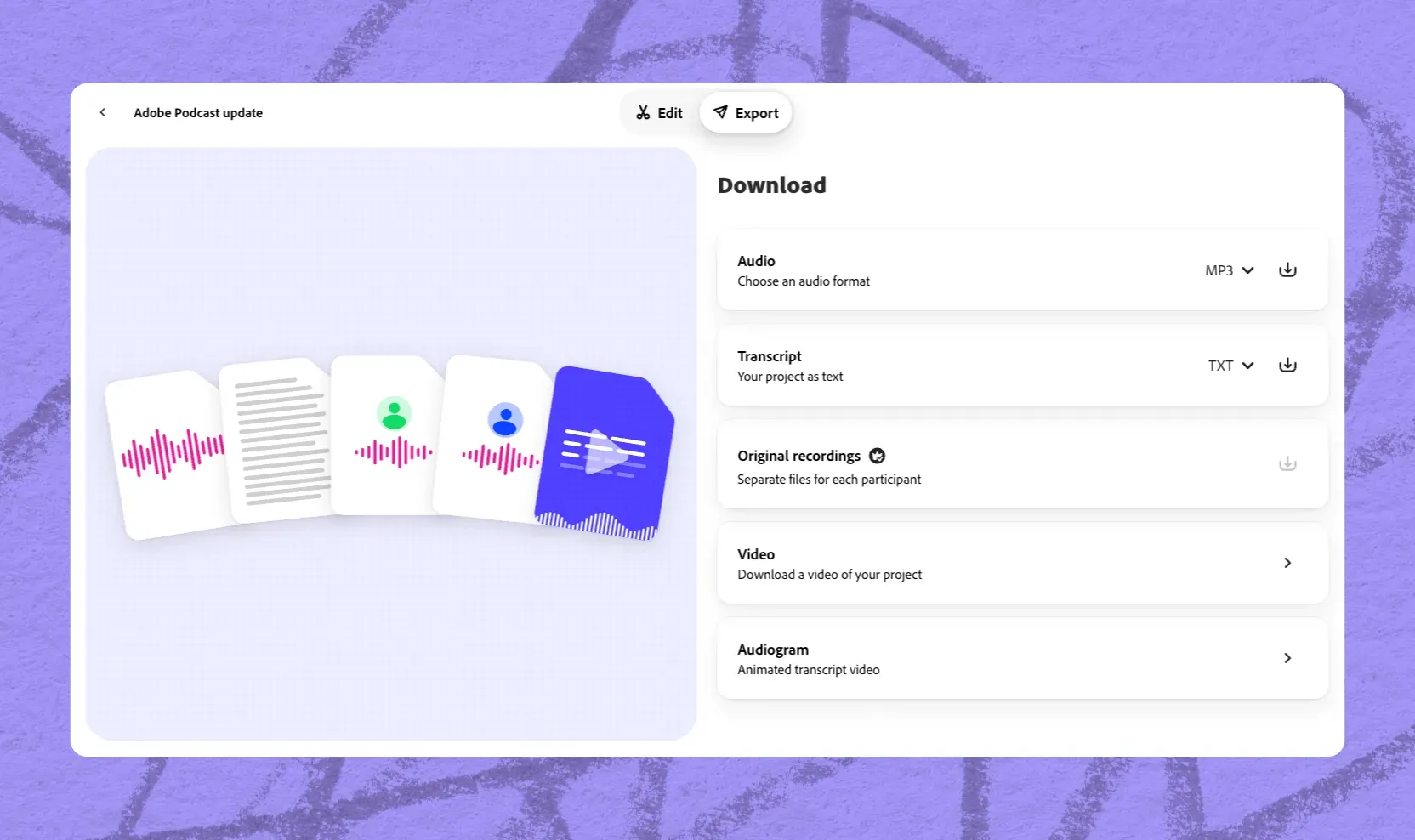
Adobe Podcast now supports multi‑guest sessions and track alignment assistance, which helps streamline the preparation of remote recordings. While it may not completely eliminate manual syncing in every scenario, it can handle much of the basic alignment automatically, reducing repetitive technical work.
This is particularly helpful when recordings come from Zoom, StreamYard, or other remote tools, allowing editors to focus on story structure, pacing, and creative edits rather than file preparation.
AI Audio Cleanup and Editing Readiness in Adobe Podcast
Enhance Speech continues to provide AI-driven audio cleanup, now with improvements that allow creators to adjust speech clarity, background noise, and music levels independently. Adobe’s guide on how Enhance Speech can improve your recording sound quality breaks down how this feature uses AI to remove unwanted sounds and make voices clearer, helping editors get cleaner audio before bringing files into Premiere Pro.
This prepares recordings for smoother integration into Premiere Pro, reducing time spent fixing audio during the editing phase. For imperfect remote recordings, it helps editors maintain professional-quality audio without relying on external DAWs or plugins. This update highlights a larger shift: tools that combine recording, prep, and editing readiness are increasingly important for creators producing video podcasts. As audiences consume more video podcast content on platforms like YouTube, editors need workflows that reduce friction early in production.
Industry reports, including Infinite Dial 2026, show growing adoption of video podcasts alongside traditional audio, reinforcing the need for tools that simplify early production tasks.
What we think about Adobe Podcast for Video Podcast Editing
Adobe Podcast has evolved beyond just AI audio enhancement. By adding video recording, multi‑guest sessions, and flexible audio cleanup, the platform helps editors streamline preparation and focus on storytelling. While some manual adjustments may still be needed, the update represents a meaningful improvement in efficiency for video podcast workflows. For editors who want a complete practical overview, Adobe’s step-by-step guide on recording a podcast provides clear instructions for leveraging all of these features effectively.
Looking to speed up your video podcast workflow with animated captions, AI social clip extraction and auto reframing with active speaker detection?