Adobe just made it easier to bring AI-generated video, audio, and even technical help into the editing process.
The company’s latest Premiere Pro and After Effects update puts generative tools much closer to the work editors and motion designers are already doing. You can now generate video to fill a gap in an edit, create sound effects and music, and use AI to help with some of the more technical parts of an After Effects project. That’s more interesting than simply adding another collection of AI features.
Because the real question is no longer whether AI can generate something. It’s how easily you can use it when you’re already working on a project. Some of Adobe’s new tools are still in beta, and not all of them will completely change the way you work. But there are a few additions worth paying attention to.
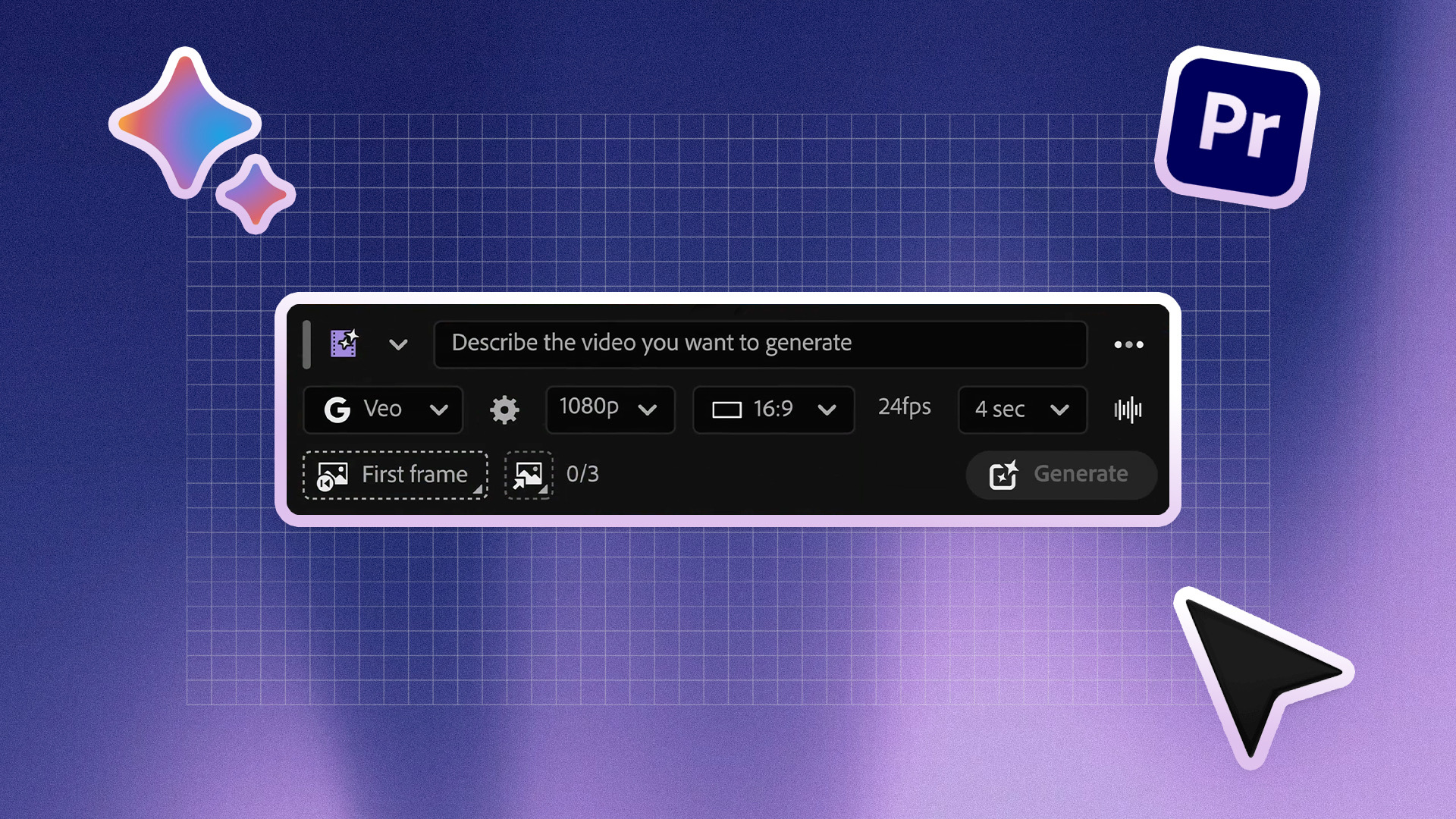
Premiere Pro Can Now Generate the Footage You’re Missing
Let’s start with the one that will probably get the most attention. Premiere Pro’s new Generative Media Tool lets editors generate video when they need something that isn’t already in their footage. You can select a section of the edit, describe what you want, and generate a clip to work with.
You can also use a frame from your existing footage as a reference, which could make a difference when you’re trying to generate something that actually belongs in the scene rather than looking like a completely random AI clip. Adobe is also taking a multi-model approach. The tool supports Adobe Firefly alongside partner models including Google Veo, Kling, Runway and Luma.
That makes this less about “AI can make a video” and more about having another option when the edit needs something you don’t have. Maybe you need a quick establishing shot. Maybe there’s an awkward gap between two clips. Maybe the perfect B-roll simply doesn’t exist in your footage or stock library.
Those are the situations where this could actually save time. Adobe’s Generative Media Tool documentation shows how the generated results can be brought into the project as editable clips. Adobe has also shared a walkthrough of the tool. The feature won’t eliminate the need for an editor. Someone still has to decide whether the generated shot actually works. But having the option available while you’re building the edit could make those little “I just need something here” moments a lot less frustrating.
AI Is Coming for the Audio Work Too
Video might be the flashy part, but Adobe is also giving Premiere Pro quite a few new ways to deal with audio. The new Generate Sound Effects feature can create effects from a text prompt, and you can even use your voice to guide the timing and intensity.
That could be handy when you know exactly what kind of sound you want but don’t want to spend ten minutes searching through a library for something that is almost right. Premiere can also generate Soundscapes based on video content and create Music based on things like mood, instruments and tempo. You can make variations, adjust the music and create loops as needed.
Adobe’s guide to generating music, sound effects and soundscapes breaks down how each option works. There are improvements for existing audio too. Enhance Audio now gives editors more control over dialogue, music, ambience and sound effects, while Separate Crosstalk is designed to help clean up recordings where people are talking over each other. And this is where the update gets more interesting.
Adobe isn’t only asking AI to make new things. It’s also using it to deal with the annoying bits of editing that can eat up time without adding much creative value. That’s probably where a lot of editors will get the most practical benefit.

After Effects Gets an AI Assistant That Can Actually Do Things
After Effects is getting its own AI Assistant, but Adobe isn’t positioning it as a button that magically creates an entire motion graphic for you. Instead, it’s aimed at the technical and organizational side of working in After Effects. You can give it natural-language instructions to organize a project, inspect compositions and footage, rename items, restructure parts of a project, and work with expressions. It can also write and debug expressions for you.
That last part could be particularly useful. If you work in After Effects, you already know that not every problem requires a creative breakthrough. Sometimes you’re just staring at an expression wondering why it isn’t working. Being able to explain what you want in plain English and have the assistant help write or fix the expression could save a lot of time.